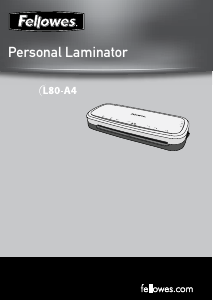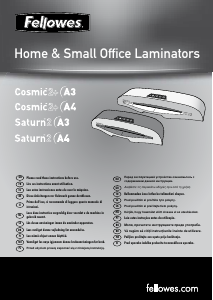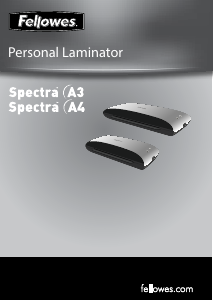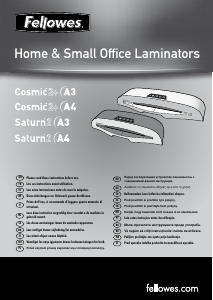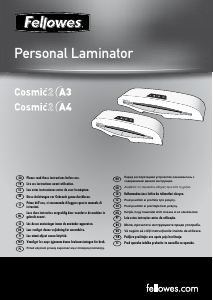
Наръчник Fellowes Cosmic 2 A3 Ламинатор

Нуждаете се от ръководство за Fellowes Cosmic 2 A3 Ламинатор? По-долу можете да видите и изтеглите PDF ръководството безплатно на български език. В момента този продукт има 0 често задавани въпроси, 1 коментар и има 6 гласове със среден рейтинг на продукта 83/100. Ако това не е ръководството, което искате, моля свържете се с нас.

Продуктът ви дефектен ли е и ръководството не предлага решение? Отидете в Repair Café за безплатни ремонтни услуги.

Наръчник

Loading…
5
Let our experts help you with a solution.
Customer Service...
www.fellowes.com
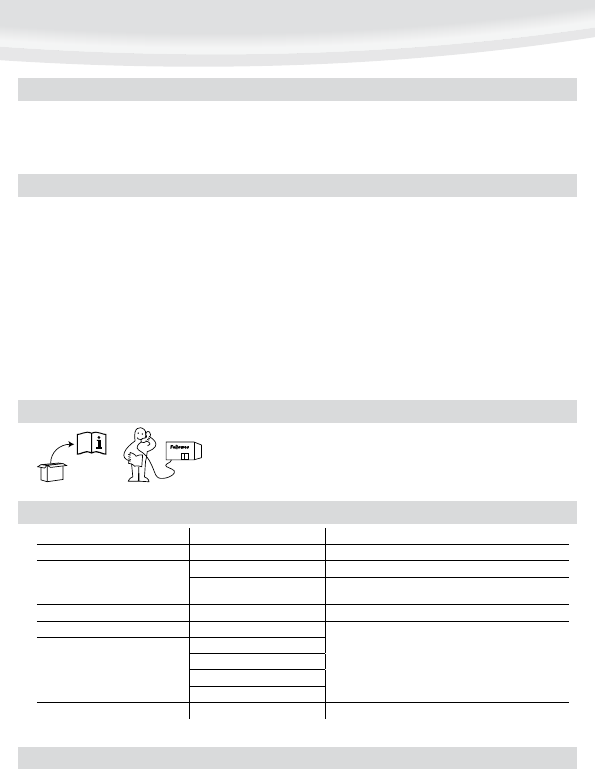
Always call Fellowes before contacting your place of purchase, see the rear cover for contact details.
NEED HELP?
Switch the power on (located at the rear of the machine).
The ‘Safe Start’ function will automatically select the cold setting.
For cold lamination, select the cold setting only.
For hot lamination, choose the pouch thickness setting as required. The ‘Wait’
symbol will flash during warm-up or cool-down periods.
When the machine is ready, the flashing ‘Wait’ symbol will stop flashing and
remain on. A signal will sound.
Place the document into the open pouch. Ensure the document is centred
against the sealed edge. Use the appropriate pouch size for the document.
Ensure the pouch enters the machine sealed edge first. Keep the pouch straight
and central within the slot, not on an angle. Use the entry markings as a
guide.
Upon exit, the laminated pouch may be hot and soft. To prevent jamming
remove the pouch immediately. Place pouch on to a flat surface to cool. Take
care when handling a hot pouch.
To release a pouch during lamination, activate the release lever located at the
rear of the machine. Gently pull pouch out of machine.
4.
5.
6.
7.
8.
9.
10.
11.
12.
Ensure the machine is on a stable surface.
Check there is enough clear space (min 50cm) behind the machine to allow
items to pass through freely.
Plug the machine into an easily accessible mains socket.
1.
2.
3.
SETTING UP THE LAMINATOR
HOW TO LAMINATE
Switch off the machine at the wall. Allow the machine to cool. The outside of the machine can be cleaned with a damp cloth. Do not use solvents or flammable materials to
polish the machine. Cleaning sheets can be used with the machine. When the machine is warm – run the sheets through the machine to clean any residue off the rollers. For
optimum performance, it is recommended that cleaning sheets are used with the machine regularly. (Cleaning sheet order codes #5320601)
Problem Possible cause Solution
No control panel illumination Machine not switched on Switch on machine at rear next to plug inlet and at the wall socket
Pouch does not completely seal the item
Item may be too thick to laminate Check pass through thickness is correctly selected and pass through again
Temperature setting may be incorrect Check pouch thickness is correctly selected and pass through again
Pouch has waves or bubbles Temperature setting may be incorrect Check pouch thickness is correctly selected and pass through again
Pouch is lost in the machine Pouch is jammed
Operate the release lever and pull out the item by hand
Jamming
Pouch was used ‘open end’ first
Pouch was not centred on entry
Pouch was not straight upon entry
Empty pouch was used
Pouch is damaged after lamination Damaged rollers or adhesive on rollers Pass cleaning sheets through the machine to test and clean rollers
TROUBLESHOOTING
Изтегли ръководство на български (PDF, 1.23 MB)
(Помислете за околната среда и отпечатайте това ръководство само ако наистина е необходимо)

Loading…

оценка

Кажете ни какво мислите за Fellowes Cosmic 2 A3 Ламинатор, като дадете оценка на продукта. Искате ли да споделите опита си с този продукт или да зададете въпрос? Моля, оставете коментар в долната част на страницата.
Доволни ли сте от Fellowes Cosmic 2 A3 Ламинатор?
да Не
83%
17%
6 гласове

Присъединете се към разговора за този продукт

Тук можете да споделите какво мислите за Fellowes Cosmic 2 A3 Ламинатор. Ако имате въпрос, първо прочетете внимателно ръководството. Заявката за ръководство може да бъде направена чрез нашата форма за контакт.

David Anthony Cox 21-12-2022
Не съм използвал тази машина от известно време и намирам, че е невъзможно да отворя торбичката, за да вмъкна документа. Всякакви съвети ще бъдат оценени!

отговор | Това беше полезно (0) (Преведено от Google)

Повече за това ръководство

Разбираме, че е хубаво да имате хартиено ръководство за вашия Fellowes Cosmic 2 A3 Ламинатор. Винаги можете да изтеглите ръководството от нашия уебсайт и да го отпечатате сами. Ако искате да имате оригинално ръководство, препоръчваме ви да се свържете с Fellowes. Може да са в състояние да предоставят оригинално ръководство. Търсите ли ръководството на вашия Fellowes Cosmic 2 A3 Ламинатор на различен език? Изберете предпочитания от вас език на началната ни страница и потърсете номера на модела, за да видите дали го предлагаме.

Спецификации

Марка Fellowes
Модел Cosmic 2 A3
Категория Ламинатори
Тип файл PDF
Размер на файла 1.23 MB

Всички ръководства за Fellowes Ламинатори
Още ръководства на Ламинатори
Наръчник Fellowes Cosmic 2 A3 Ламинатор

Свързани продукти

Свързани категории

×
Download