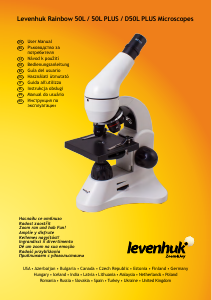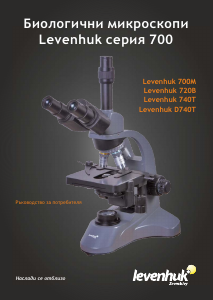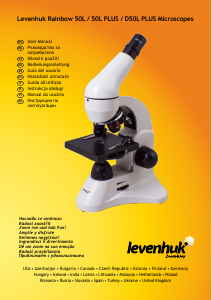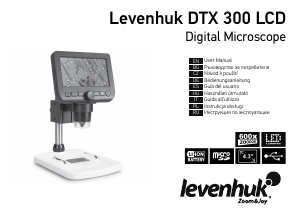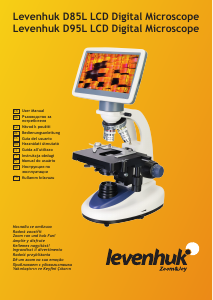
Наръчник Levenhuk DTX 700 LCD Микроскоп

Нуждаете се от ръководство за Levenhuk DTX 700 LCD Микроскоп? По-долу можете да видите и изтеглите PDF ръководството безплатно на български език. В момента този продукт има 0 често задавани въпроси, 0 коментари и има 0 гласа. Ако това не е ръководството, което искате, моля свържете се с нас.

Продуктът ви дефектен ли е и ръководството не предлага решение? Отидете в Repair Café за безплатни ремонтни услуги.

Наръчник

Loading…
2
Levenhuk DTX 700 LCD
Digital Microscope
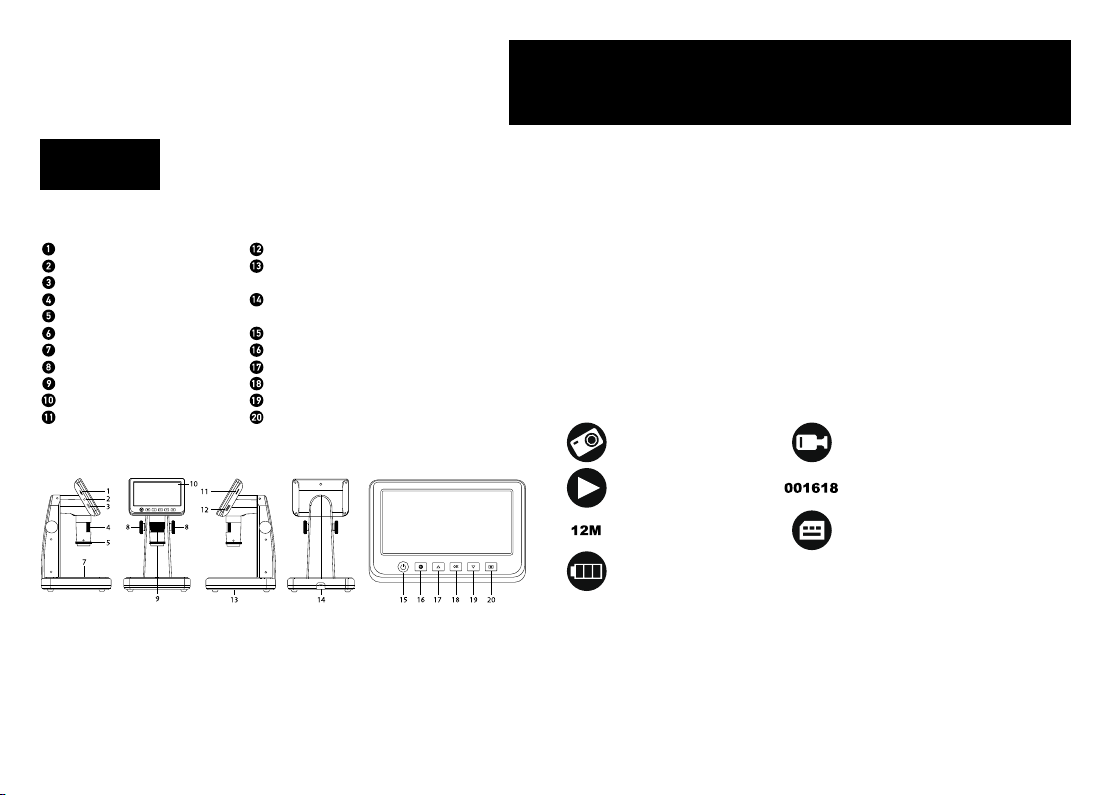
Microscope parts
MicroSD slot
AV out
HDMI out
Focus wheel
Polarizing wheel
Battery status indicator
Lower illumination
Height adjustment knobs
Capture
5" color LCD display
Brightness adjustment wheel
(upper illumination)
Magnication adjustment wheel
Brightness adjustment wheel (lower
illumination)
DC: charge battery
USB: output to PC
Power on/o
Setup
Up
OK (Conrm)
Down
Photo/Video/Playback
The kit includes: microscope, USB cable, AV cable, power adapter, soware CD,
calibrating scale, user manual and lifetime warranty.
Microscope assembly
The battery has to be fully charged before turning the microscope on for the rst
time. Plug the power cable into the power cable socket on the microscope body (14)
and connect it to a power source. The battery status indicator (6) will turn red. Once
the battery is fully charged, the indicator will go out. You can now disconnect the
microscope from the power source and turn it on. The fully-charged battery allows
you to use the microscope for three hours. The illumination will grow dim and the
image quality will decrease to inform you that the battery is low. Charge the battery, as
described above.
A microSD card (purchased separately) is required to save captured images and
recorded videos. Turn the microscope o and insert the microSD card into the
corresponding slot on the microscope body until it locks in place with a click. Do not
apply excessive force when inserting the microSD card. Try rotating the card, if it does
not lock in place with ease. Format the card before using it. To turn the microscope on
press the power button (15). To turn the microscope o press the power button (15)
again (refer to Power saving for more information).
Display icons
Note: Interface icons will be hidden if no key has been pressed and held for 10 seconds.
Capturing an image
Turn the microscope on and place a specimen on the stage. The height of the
objective lens can be regulated with height adjustment knobs (8). Adjust the
illumination brightness, so that the specimen is evenly lit. You can use upper or
lower illumination. Change magnification and focus your view, if necessary. Press
the capture button (9).
Recording a video
Press the Photo/Video/Playback button (20) to switch to video mode. The icon in the upper
EN
Never, under any circumstances, look directly at the Sun, another bright
source of light or at a laser through this device, as this may cause
PERMANENT RETINAL DAMAGE and may lead to BLINDNESS.
Capture an
image
Playback mode
Current image
resolution
Battery status
indicator
Start and stop video
recording
Total number of images that
may be captured (based on the
current resolution)
MicroSD status icon
Изтегли ръководство на български (PDF, 1.59 MB)
(Помислете за околната среда и отпечатайте това ръководство само ако наистина е необходимо)

Loading…

оценка

Кажете ни какво мислите за Levenhuk DTX 700 LCD Микроскоп, като дадете оценка на продукта. Искате ли да споделите опита си с този продукт или да зададете въпрос? Моля, оставете коментар в долната част на страницата.
Доволни ли сте от Levenhuk DTX 700 LCD Микроскоп?
да Не
Бъдете първи, оценили този продукт
0 гласове

Присъединете се към разговора за този продукт

Тук можете да споделите какво мислите за Levenhuk DTX 700 LCD Микроскоп. Ако имате въпрос, първо прочетете внимателно ръководството. Заявката за ръководство може да бъде направена чрез нашата форма за контакт.

Повече за това ръководство

Разбираме, че е хубаво да имате хартиено ръководство за вашия Levenhuk DTX 700 LCD Микроскоп. Винаги можете да изтеглите ръководството от нашия уебсайт и да го отпечатате сами. Ако искате да имате оригинално ръководство, препоръчваме ви да се свържете с Levenhuk. Може да са в състояние да предоставят оригинално ръководство. Търсите ли ръководството на вашия Levenhuk DTX 700 LCD Микроскоп на различен език? Изберете предпочитания от вас език на началната ни страница и потърсете номера на модела, за да видите дали го предлагаме.

Спецификации

Марка Levenhuk
Модел DTX 700 LCD
Категория Микроскопи
Тип файл PDF
Размер на файла 1.59 MB

Всички ръководства за Levenhuk Микроскопи
Още ръководства на Микроскопи

Наръчник Levenhuk DTX 700 LCD Микроскоп

Свързани продукти

Свързани категории

×
Download